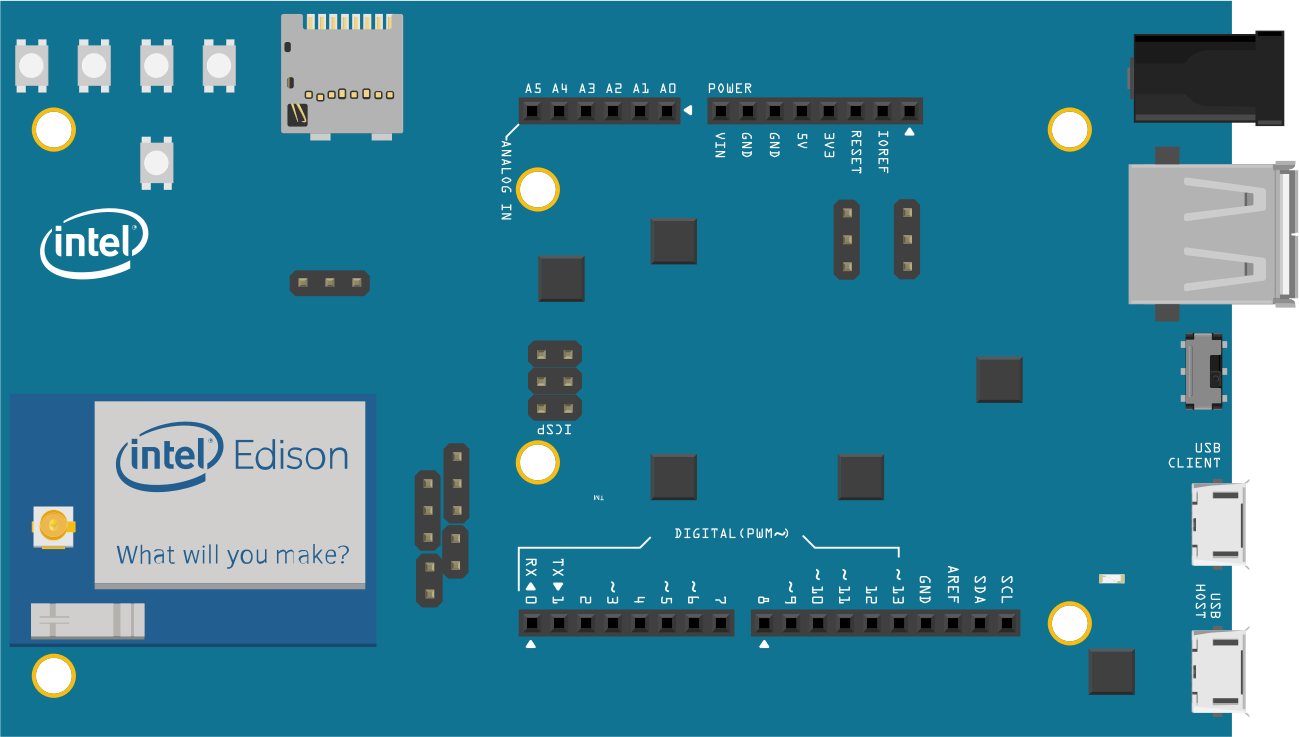
Access your Intel Edison from the Web
Make your Intel Edison accessible from anywhere via the Yaler relay.
Prerequisites
Setting up your device requires a relay domain. Please sign up to get one.
Setting up the hardware
Make sure the Intel Edison is connected to the Internet via Wi-Fi.
Installing YalerTunnel on Yocto
Follow these steps to install YalerTunnel on the Intel Edison.
This tutorial is still in beta. Installation details will change. Found a bug? Let us know.
- Open a shell on your Intel Edison (default login is root, no password), or type
$ cd ~ - Create a yalertunnel directory
$ mkdir yalertunnel
$ cd yalertunnel
- Download, unzip and build the YalerTunnel source
$ curl -LO http://s3.yaler.net/yalertunnel/YalerTunnel2-v2.3.2.src.tar.gz
$ tar -xzv -f YalerTunnel2-v2.3.2.src.tar.gz
$ make
- Done. Now either enable Web access or SSH access.
Web access
Prerequisites
A Web server or service has been installed and is running on the Intel Edison.
Enabling Web access on Yocto
How to configure YalerTunnel on your Intel Edison to make a local Web service accessible from anywhere.
Those steps are for manual testing only. Init script to be done.
- Run yalertunnel in server mode, using the port of the local Web service (default: 80), and your relay domain
$ ./yalertunnel server 127.0.0.1:80 try.yaler.io:80 RELAY_DOMAIN
- Done. Now, see how to access your device from any Web browser or with Curl or from iOS or from Android (and resolve errors).
Disabling Web access on Yocto
How to remove YalerTunnel to disable Web access from anywhere.
- Open a shell on your Intel Edison and type
$ rm -r yalertunnel
SSH access
Prerequisites
The SSH daemon sshd is running (per default) on the Intel Edison.
Enabling SSH access on Yocto
How to configure YalerTunnel on your Intel Edison to allow SSH access from anywhere.
Those steps are for manual testing only. Init script to be done.
- Run yalertunnel in proxy mode, using the port of the local SSH service (default: 22), and your relay domain
$ ./yalertunnel proxy 127.0.0.1:22 try.yaler.io:80 RELAY_DOMAIN
- Done. Now, see how to access your device with Putty or with SSH (for Linux, Mac OS X).
Disabling SSH access on Yocto
How to remove YalerTunnel to disable SSH access from anywhere.
- Open a shell on your Intel Edison and type
$ rm -r yalertunnel
To enable Web and SSH access at the same time, or tunnel another protocol, please get in touch.
 This work by Yaler GmbH is licensed under a Creative Commons Attribution-ShareAlike 4.0 International License.